
What a Shopify certification actually means
Depict is now a Shopify Certified Technology Partner. Here is what the program checks, what we hold against it, and the one thing it does not tell you.
By Lassi Eronen
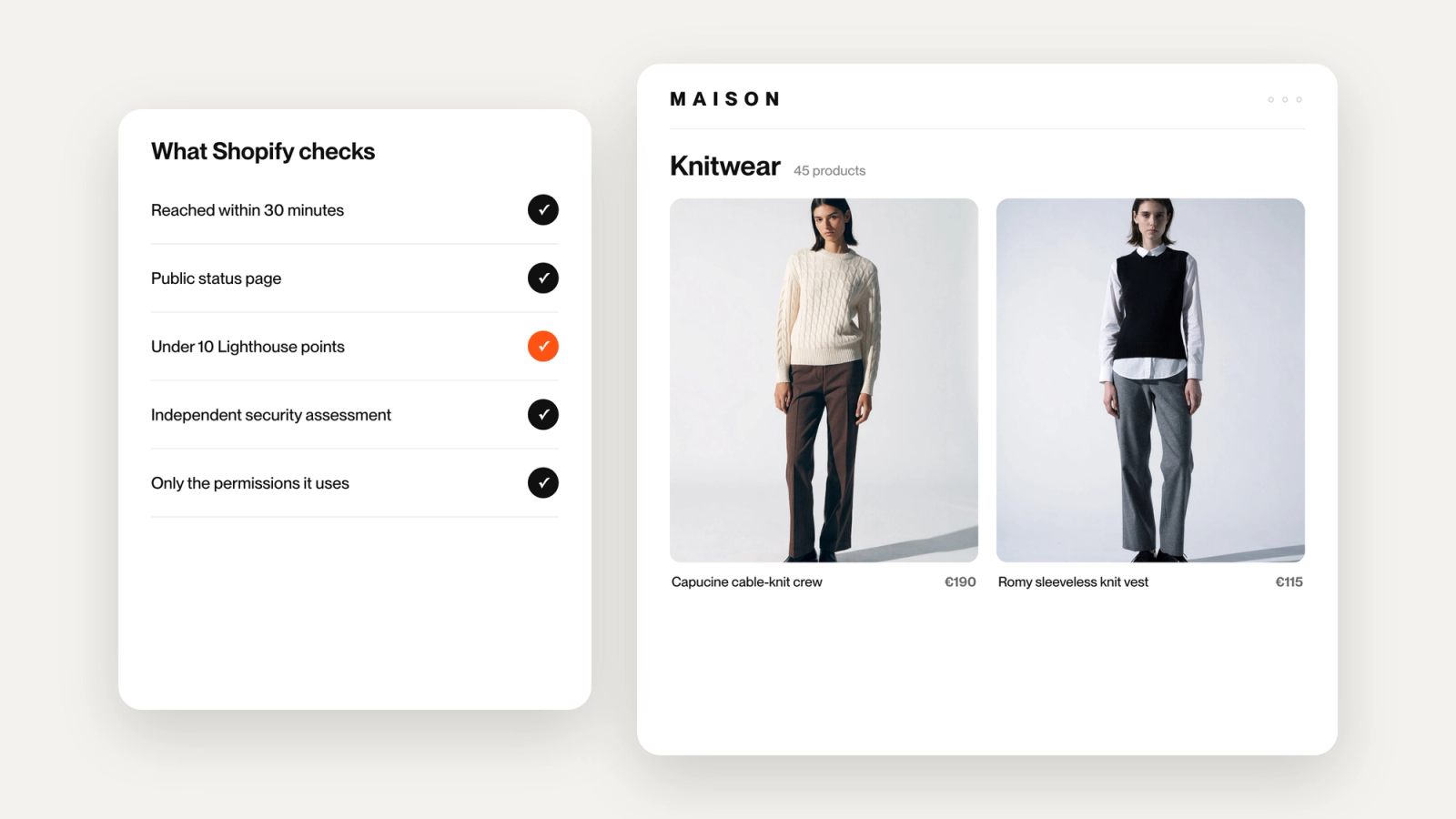
Depict on Shopify is now a Shopify Certified Technology Partner. Here is what that sentence is worth, and what it is not.
If you would rather watch than read, the 90-second version is on YouTube.
Nobody hands this out
Getting in took five months, from breaking Shopify's requirements down into a task list in April to the certification in September. In between an independent assessor Shopify approves going through our systems and signing a Letter of Validation, a third-party penetration test, a public status page we now have to live up to, and a set of policies that had to be true in practice before they could be written down.
So this is a milestone worth marking. It is also worth explaining, because certification badges sit on several merchandising apps and almost nobody says what one took, what it tests, or what it should change about your decision. A badge only reduces your risk if you know what it covers. Here is the actual content of the thing.
Why Shopify runs the program
Shopify Plus merchants install apps that touch their storefront, their customer data, and their uptime. When one of those apps leaks something or slows a store down, the merchant does not only blame the vendor. They blame the platform that distributed it.
The Certified Technology Partner Program exists so that vetting happens once, centrally, against a fixed standard, instead of every merchant running their own vendor review from scratch. It also gives Shopify's own teams a list they can point at without carrying the risk personally. That list is public. Shopify names its current partners by category on its Partners blog, and Depict: Search & Merchandising is listed under Search.
The practical effect for a merchant is that somebody with more leverage than you has already asked a vendor the awkward questions, and has proof of the answers.
Seven areas, and what each is really asking
Shopify's requirements group into seven areas. Translated out of program language, they ask the following. If you are here to evaluate a vendor rather than to audit one, the two that will affect you day to day are storefront speed and permissions, and you can skip ahead to those.
Is the app real and maintained? App Store compliance, a complete listing, and a rating above 4.0 with a minimum number of reviews. A low bar, but it removes abandoned software.
Does it keep up with the platform? Apps must run on the latest two Shopify API versions. Shopify ships quarterly, and an app that falls behind quietly breaks in ways merchants notice before the vendor does.
Can you reach them, and will they admit it when something breaks? First response within 30 minutes on critical issues, 24/7 coverage, and a public status page. The status page requirement is the sharpest one here. It is easy to promise support and hard to publish your own downtime.
Is customer data handled lawfully? GDPR, CCPA and CPRA, with defined retention and deletion behavior.
Is the security real or asserted? This is the heaviest area. Annual third-party penetration testing, encryption in transit and at rest, role-based access controls, access logging, staff multi-factor authentication, an incident response process, and breach notification to Shopify within 24 hours. It also requires an independent security assessment by an assessor Shopify approves, who issues a Letter of Validation. That part is not a self-declaration.
Will it hold up under load, and will it slow the store? A 99.9% uptime service level objective, request processing under 400ms at the 95th percentile, and a storefront performance impact held under 10 Lighthouse points. Uptime claims are worth little without somewhere to check them, so ours is on our status page.
Is the paperwork in order? A privacy policy and a data processing agreement.
Where Depict lands
We hold all of it. The three worth calling out are the ones merchants actually feel.
Storefront impact under 10 Lighthouse points. If you have ever installed an app and watched your page speed score fall, you already know why this matters. It is the least discussed requirement in the program and probably the most relevant to anyone running a storefront.
Only the permissions the app uses. Every API scope Depict requests is tied to functionality that exists in the product. You do not have to take that on trust, because Shopify publishes the full list of permissions any app requests on its App Store listing. An app's permission list is the honest answer to what it can do inside your store, and it is worth reading on every app you install, ours included.
Admin request processing under 400ms at p95. That is the speed of the app you work in, not a claim about your storefront. We do not make claims about your storefront's conversion rate, and we are not going to start with its speed.
What certification does not tell you
It says nothing about whether the merchandising is any good.
Not one requirement in the program evaluates whether our collection sorting is smart, whether the rules are usable, or whether your grid looks better afterwards. The standard tests operational maturity. Can this vendor be plugged into a large store without becoming a liability.
That is a genuinely useful thing to have verified, and it is a different question from whether the product is right for you. Anyone selling you a certification as proof of product quality is selling you something the certification does not say.
Judge the product on the product. Use the certification for what it is, which is the answer to whether we are safe to plug in.
Where this sits in what we are building
Certification is a checkpoint, not a destination. The work that produced it was mostly unglamorous, and it ran alongside the thing we actually care about, which is bringing merchandising, search and recommendations together into a single Shopify app.
That unified app is now live. Meeting an enterprise standard first meant it arrived on infrastructure that had already been tested by somebody with no reason to be generous about it.
See the quality for yourself
The certification says we are safe to plug in. It does not say we are any good, and there is only one honest way to settle that.
Put us in front of your collections and look at the grid. Book a demo and we will do it on your own catalog, or install Depict on the Shopify App Store and try it yourself.