
Search, merchandising and recommendations, in one Shopify app
Depict: Search & Merchandising is live on the Shopify App Store. Visual merchandising, search and recommendations in one app, one install, with public prices.
By Josep Nolla
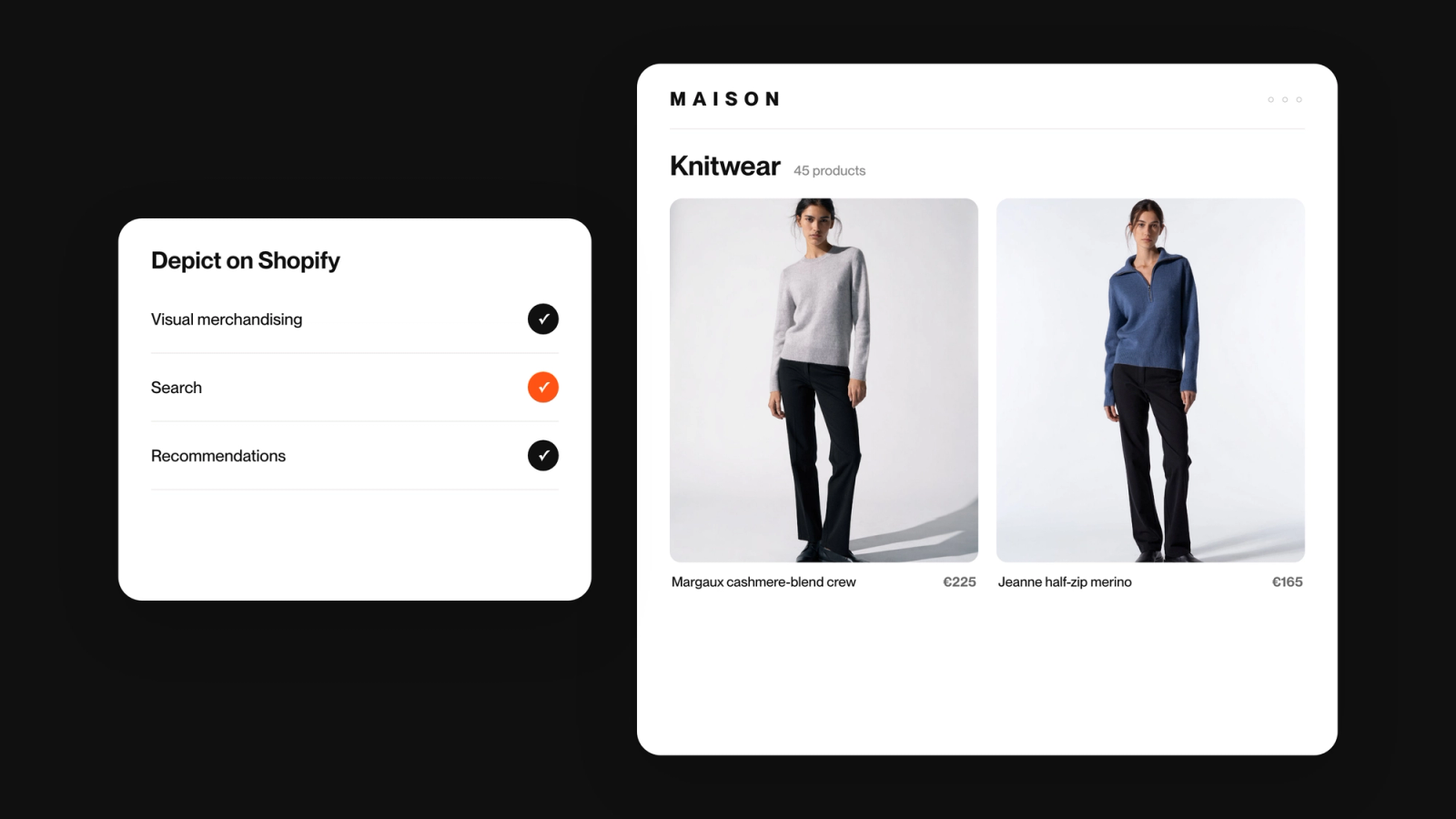
Today is a milestone for merchants on Shopify. The full power of Depict, visual merchandising, search and recommendations, is now one app and one install from the App Store, under one name, Depict: Search & Merchandising. It is an extremely powerful piece of software, and compared with most tools in its class it is simple to put in and simple to run. That combination is the point.
For most of our time on Shopify we were a merchandising app. Brands installed Depict to sort collections, pin products and schedule their drops. Search ran on a separate app and recommendations did not run on Shopify at all. Merchants who wanted all three had two installs and one missing piece. Centra and headless merchants had the full platform for years. Shopify did not.
That gap is closed. Here is what is in the one app.
Visual merchandising. Collections keep sold-out products down and new arrivals up on their own, every day, with rules you set once. You pin the products that hold the top row, choose which picture shows for each product, place a video or an image in the grid, and get a sale ready on Tuesday to go live on Friday. Each market can see its own version of the same collection.
Search. Rebuilt this year. It understands what a product is, not just the words in its title, so a typo, a plural or a vague search like “something for the office” still finds what the shopper meant. Autocomplete, filters, synonyms, and boost and bury rules you control.
Recommendations. They match the product on the page across the whole catalog, on product, cart and collection pages, and they follow your brand rules.
Everything learns from your own store, daily. Everything you set by hand stays where you put it.
A few practical things.
- You can start with one product and add the others from inside the app. Nothing has to be configured on day one.
- Prices are public, on the App Store and on our pricing page. You pay for the traffic you have, in three sizes, Small, Medium and Large, and there are no automatic overage charges.
- Setup is guided from the Shopify admin. Search and recommendations are placed through app blocks in the theme editor.
- Depict on Shopify is a Shopify Certified Technology Partner, listed by Shopify in its Search category, and carries the Built for Shopify badge. The certification post explains what that checks.
- Merchants already on Depict keep their plan. Search and recommendations are a switch in the app, not a new install.
Why one app, and not three. The three products answer the same question, which products a shopper sees first. The first rows of a collection, the first search results, the four slots on a product page. A merchant with a thousand products cannot hand-pick those for every page, so a machine has to, and a machine alone gives every store the same average look. Depict does the sorting by default and you take over wherever your brand needs to show. That only works as one system with one set of rules, which is why it is one app.
Install it from the App Store, or book a demo and bring the collection that annoys you most.