
← All updates
Search now takes on your store’s colors and fonts
The search window on your storefront now picks up your theme’s colors and fonts on its own, and every store has the controls to fine-tune it.
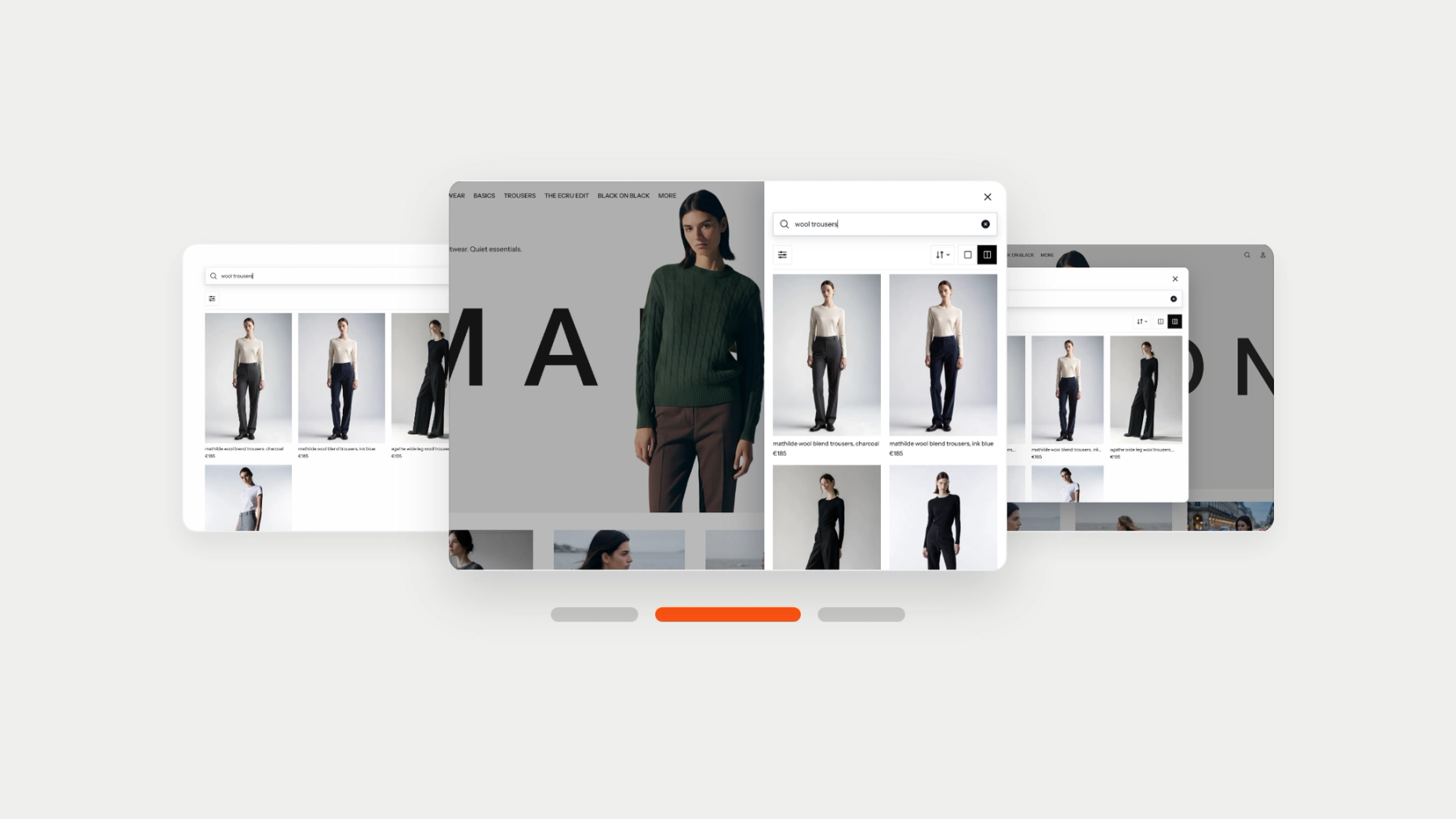
The search window on your storefront now reads your theme’s colors and fonts and uses them, so it looks like part of your store from the moment search is switched on. There is nothing to set up, and anything you choose yourself still comes first. Every store now has the controls to shape it. Pick and try a layout on the Appearance tab of the Depict app’s Search page, then fine-tune the look in your Shopify theme editor.
- Pick a layout. Takeover fills the page, the drawer slides in from the side, and the quick panel opens over the page.
- Set the details. A flat or elevated surface, a boxed, underlined or bare search field, a quieter loading indicator, sentence case headings, your own font family.
- Override any color the theme gave you, or turn the feedback buttons off.
- Keep the search bar and filters on screen on phones while shoppers scroll.
Available in the Depict app on Shopify.
Published on October 27, 2026