
← All updates
More ways to match search to your store’s design
New Appearance settings let you hide suggested searches, write your own placeholder, wrap long product names and make the search background see-through.
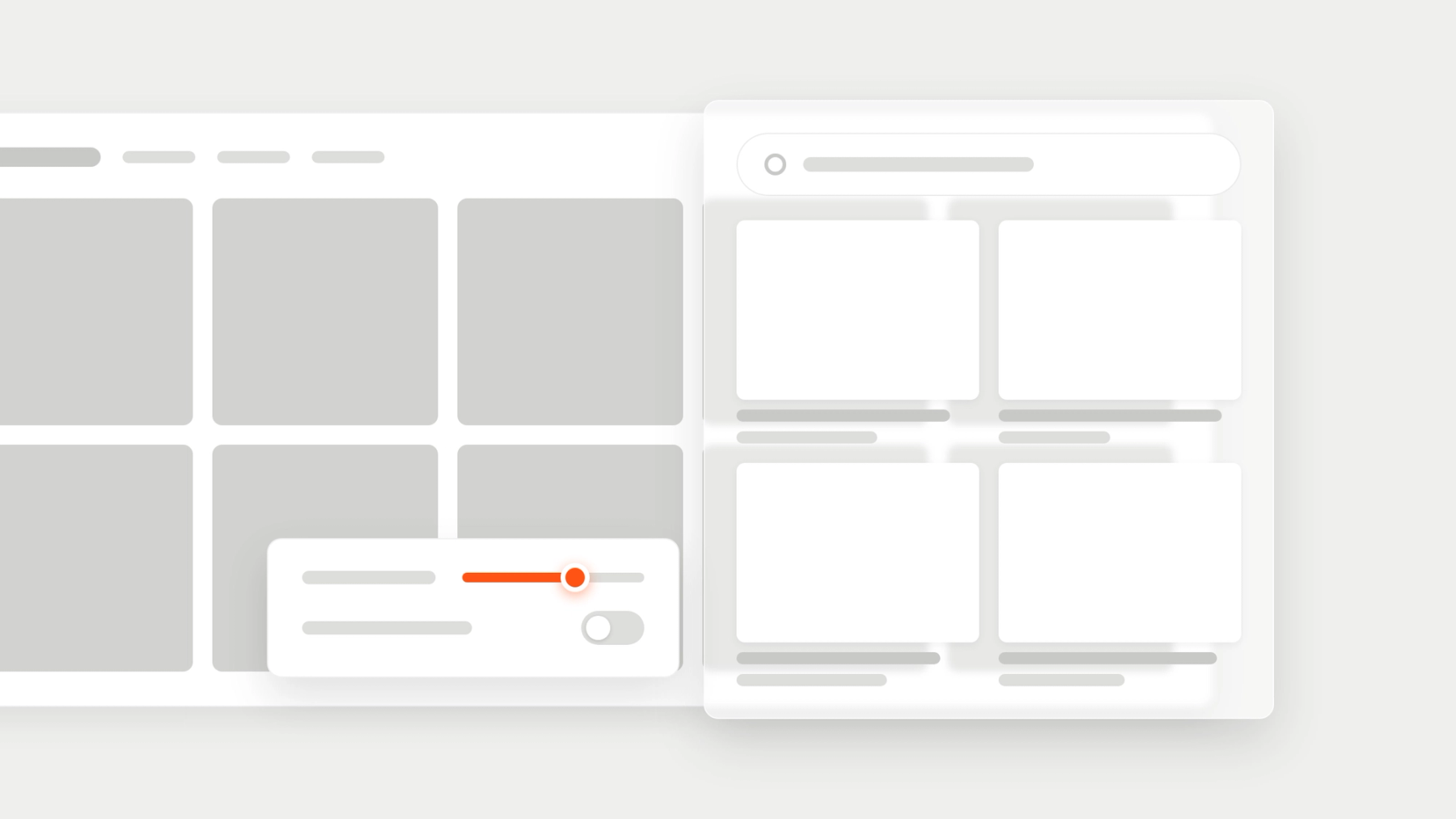
Search has new settings in the Appearance tab, so a design that used to need custom code now takes a few clicks. Each one shows in the live preview with your own products before you publish it to your theme.
- Hide the suggested searches shoppers see before they type.
- Write your own placeholder text for the search field.
- Give product names one, two or three lines, or show them in full.
- Set the space between the product grid and the edge of the search panel.
- Make the search background see-through, so your store shows behind it.
- Remove the arrow button from the search field on phones.
Available in the Depict app on Shopify.
Published on November 12, 2026